
- Most delays happen because an advertiser has not confirmed completion yet.
- Eligibility rules, device settings, and timing are the top triggers behind disputes.
- Keeping screenshots and receipts makes recovery far easier.
- Submitting a ticket too early can slow the process.
- A repeatable troubleshooting method prevents future frustration.
Why do rewards fail to appear after completing an offer?
Reward systems are more complex than they seem from the outside. After you complete an activity, the app does not simply “decide” to pay you. Instead, confirmation must travel from the advertiser to a tracking network and finally back to the platform.
Each partner checks whether the action was genuine, followed the rules, and falls within campaign limits. If even one checkpoint requires manual or delayed review, your credit will pause.
For example, a retailer might wait to ensure an item is not returned. A financial service may verify identity. A game company could confirm that progress happened under fair conditions. None of this is visible to the user, which makes the silence feel suspicious.
In reality, most of the time the process is simply incomplete rather than broken.
Quick definition
Approval window is the time an advertiser takes to validate that a required action was completed correctly.
What are common reward app problems that block credit?
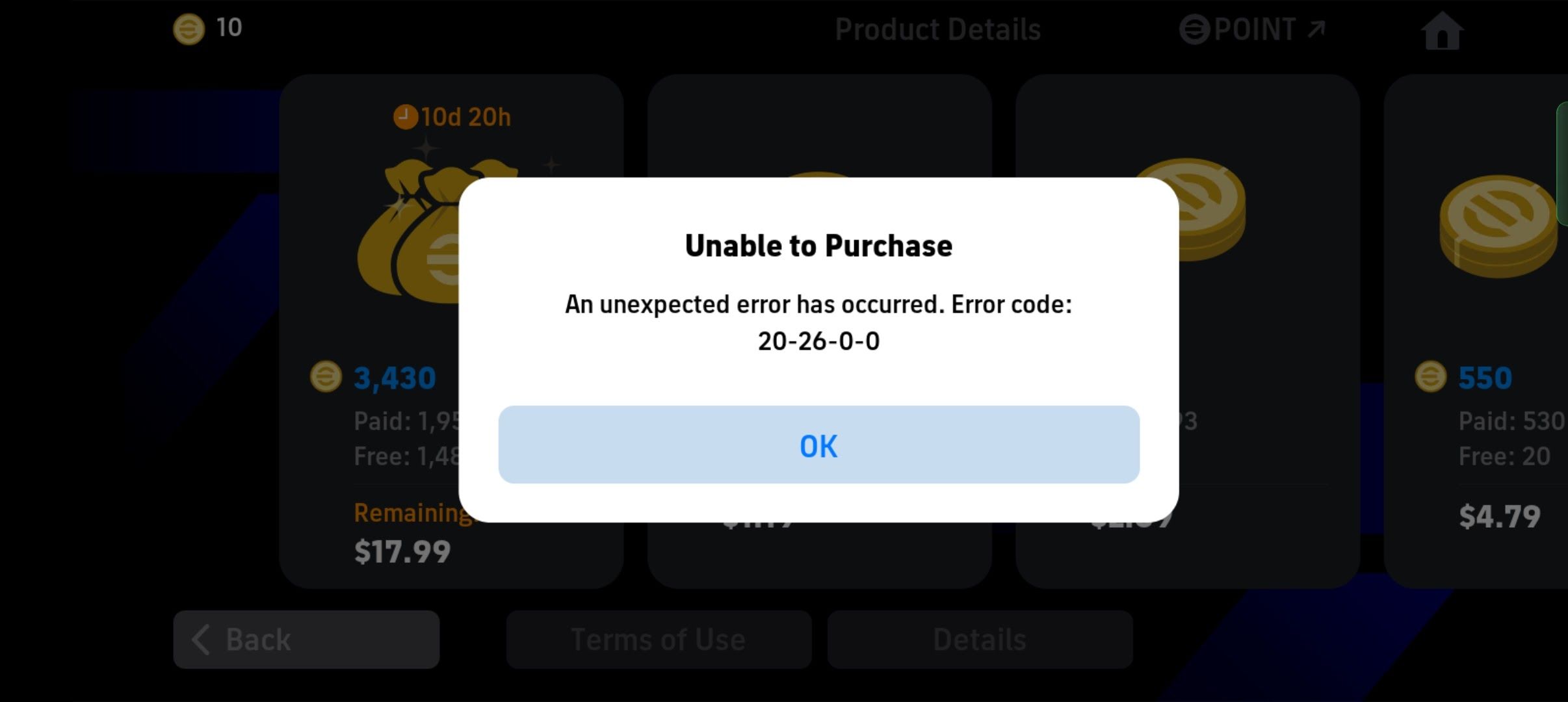
Although platforms differ, support teams encounter repeat patterns every day. Understanding them lets you diagnose your situation faster and set realistic expectations.
- The task was only partially finished.
- The user had previous history with the advertiser.
- Tracking permissions were restricted.
- A VPN or blocker interfered.
- The claim was submitted before the waiting period ended.
- The order was refunded or edited.
Many users discover that one tiny assumption, such as believing they were new when they were not, explains the entire issue.
Common Mistake
People often skim requirements quickly, especially if they are excited about the payout. Later, that missing detail becomes the reason the credit cannot be confirmed.
How does tracking connect your action to your account?
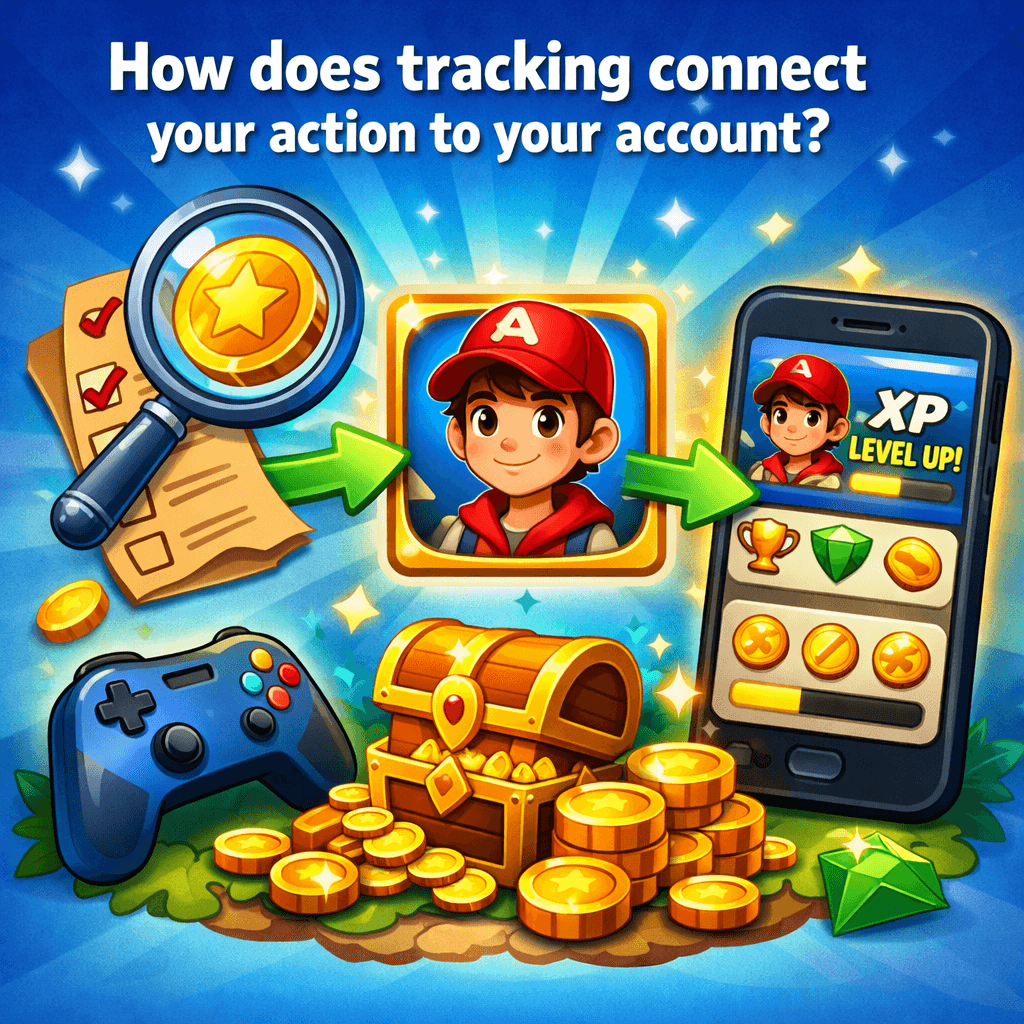
Think of tracking as a digital handshake. When you press the offer, systems record device information, time, and identifiers. If the advertiser later sees a matching event, they send approval back.
Because this handshake relies on continuity, consistency is critical. Changing networks, enabling privacy shields, or jumping between devices may create uncertainty about who performed the action.
Even though you know it was you, automated systems rely on technical proof.
If the tracking path breaks, then the advertiser may not report the completion.
This is why experienced users start and finish tasks in one uninterrupted flow.
What should you check first before opening a ticket?
Before contacting support, slow down and verify your own steps. A few minutes of review can prevent days of waiting.
Return to the offer page and read it as if it were new. Pay attention to wording around minimum payments, trial duration, geographic restrictions, or extra confirmations. Then examine your timeline. Did you truly finish inside the allowed period?
Finally, look at your history to confirm the action isn’t still pending. Many people file complaints only to realize later the window had not yet closed.
Step-by-step reward troubleshooting
- Open your reward history and refresh.
- Check whether the offer shows pending.
- Re-read every requirement carefully.
- Confirm spend, level, or subscription rules.
- Compare your completion date to the approval window.
If these items match, escalation becomes appropriate.
Could eligibility rules be the issue?
Eligibility is one of the most misunderstood aspects of reward platforms. Advertisers usually want new customers, not repeat ones. Their systems check emails, devices, payment methods, and other markers to determine status.
Sometimes users genuinely forget they tried the service in the past. Other times a family member may have used it on the same phone. Either way, the advertiser may classify the attempt as ineligible.
This can feel unfair, but it is typically written in the campaign terms.
If the advertiser classifies you as existing rather than new, then the reward may be declined.
What happens if one step is incomplete?
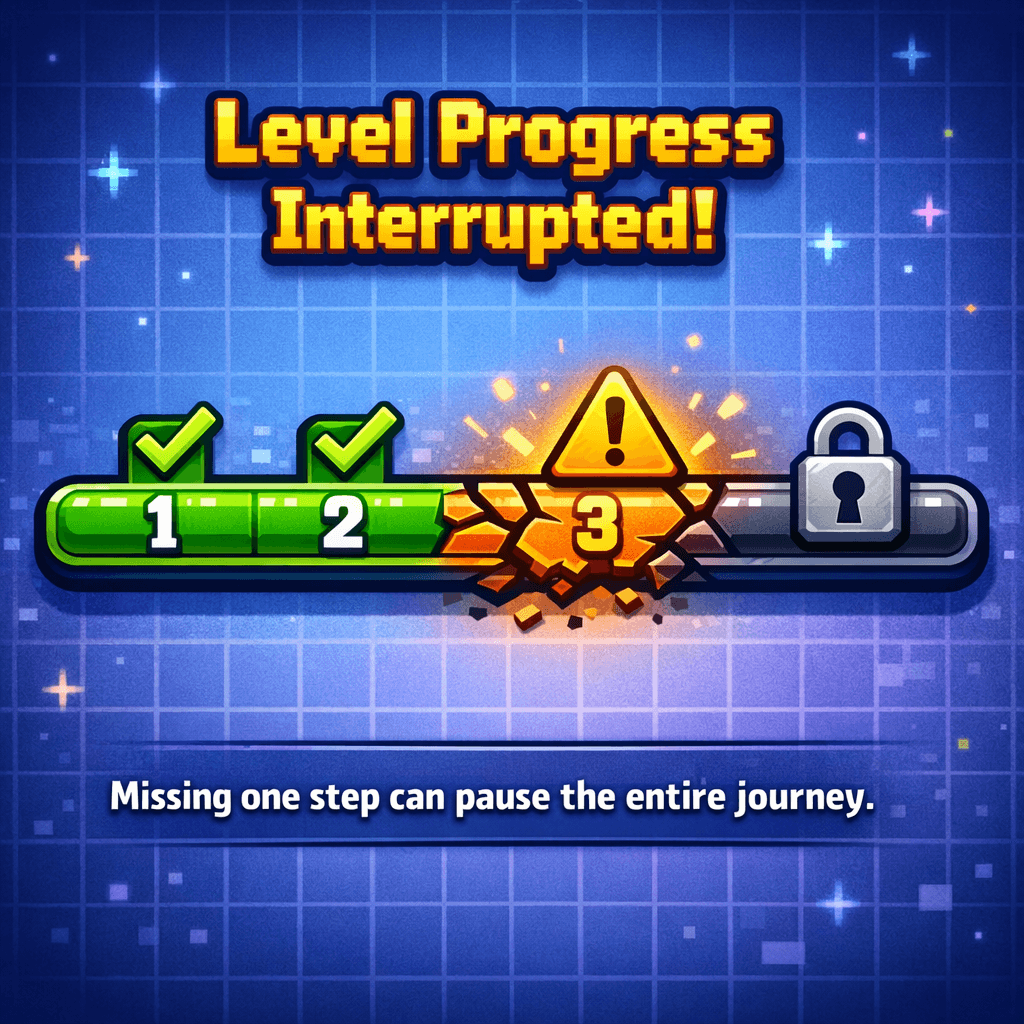
Incomplete requirements are another leading cause of confusion. Many offers are designed as journeys rather than single actions. You might need to verify identity, keep an account active, or hit a usage milestone.
If any part is missing, the advertiser cannot mark the process finished.
Users sometimes assume they can complete remaining steps after submitting a ticket. Unfortunately, once the reporting cycle passes, late actions may not register.
Can phone settings cause reward app technical issues?
Yes, and they are more common every year.
Operating systems aggressively protect privacy. Features that block cross-app communication or hide identifiers can prevent advertisers from recognizing who completed the offer. Meanwhile, battery savers may close apps before tracking initializes.
If you regularly use VPNs or security tools, they may route your activity through locations that do not match campaign expectations.
None of this means you did something wrong—it simply means systems may struggle to connect the dots.
If permissions are disabled or traffic is masked, then the advertiser may never receive confirmation.
How long should you realistically wait?
Waiting is uncomfortable, but timing is everything in reward validation.
Some advertisers report instantly, while others send confirmations in scheduled batches. There may also be legal or financial review requirements depending on the product category. During busy shopping seasons, delays can grow longer.
A user who files a ticket on day two of a ten-day window is unlikely to receive help, because support cannot yet see final data.
Warning
Submitting requests before the official timeline ends can result in automatic closures.
What proof should you keep while completing offers?
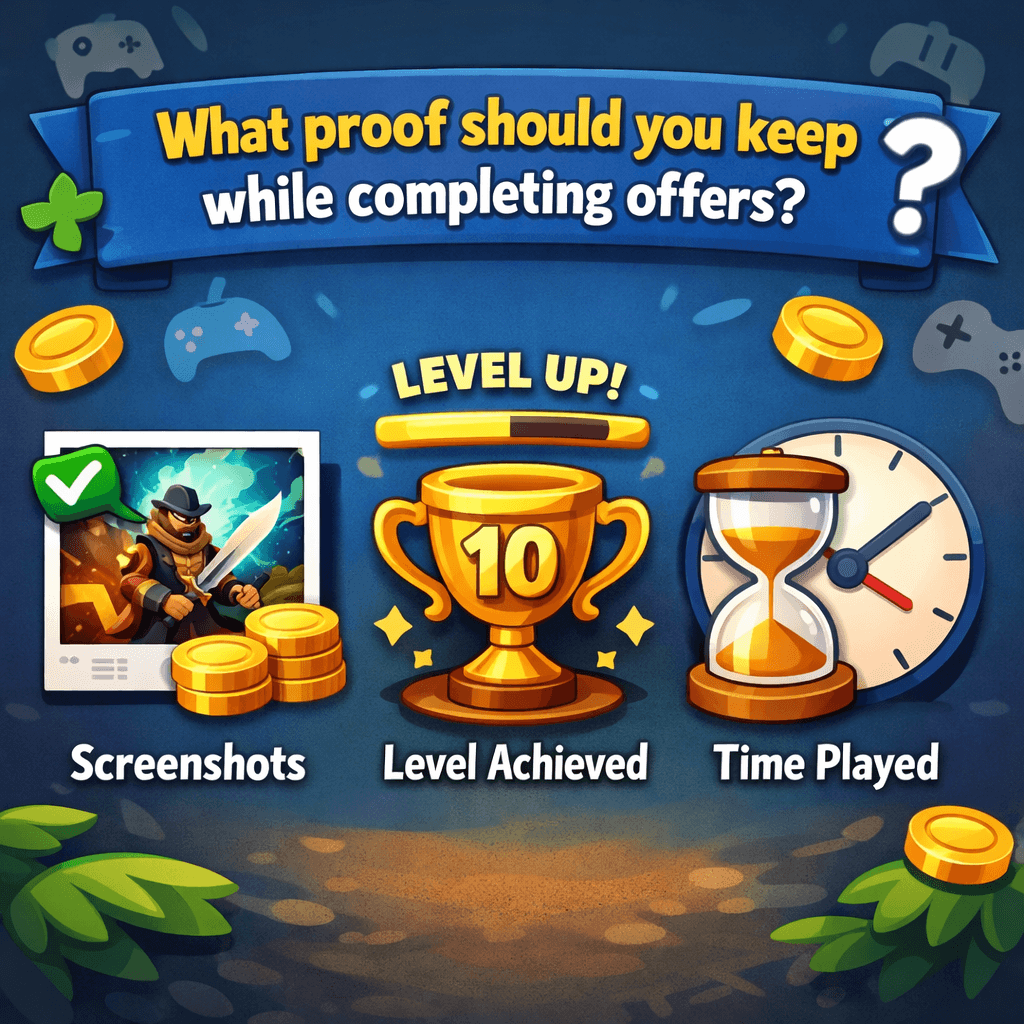
If automation fails, documentation becomes your voice.
Clear screenshots, receipts, and confirmation emails allow agents to match your case against advertiser information. They reduce ambiguity and help determine whether escalation is possible.
Users who maintain organized proof almost always experience smoother resolutions compared to those relying on memory alone.
Helpful items include:
- Screenshots of the offer page.
- Receipts or transaction IDs.
- Emails confirming signup or purchase.
- Images showing completed milestones.
How to fix missing rewards after the validation period?
Once you are confident the waiting time has passed, approach support strategically. Provide facts rather than frustration.
Explain what you completed, the date, and how it matched the requirements. Attach documentation in an easy-to-read format. The clearer your report, the less back-and-forth is required.
Numbered recovery checklist
- Locate the offer in history.
- Note completion time.
- Prepare proof.
- Submit a concise explanation.
- Upload attachments.
- Wait for review.
Professional, structured communication gets better results.
When should I contact support instead of waiting longer?
Many users struggle with this decision.
If the approval window has ended and no update appears, then it is time to contact support.
At that moment, agents can check advertiser files, compare identifiers, or escalate the dispute.
Why do some tickets take more time than others?
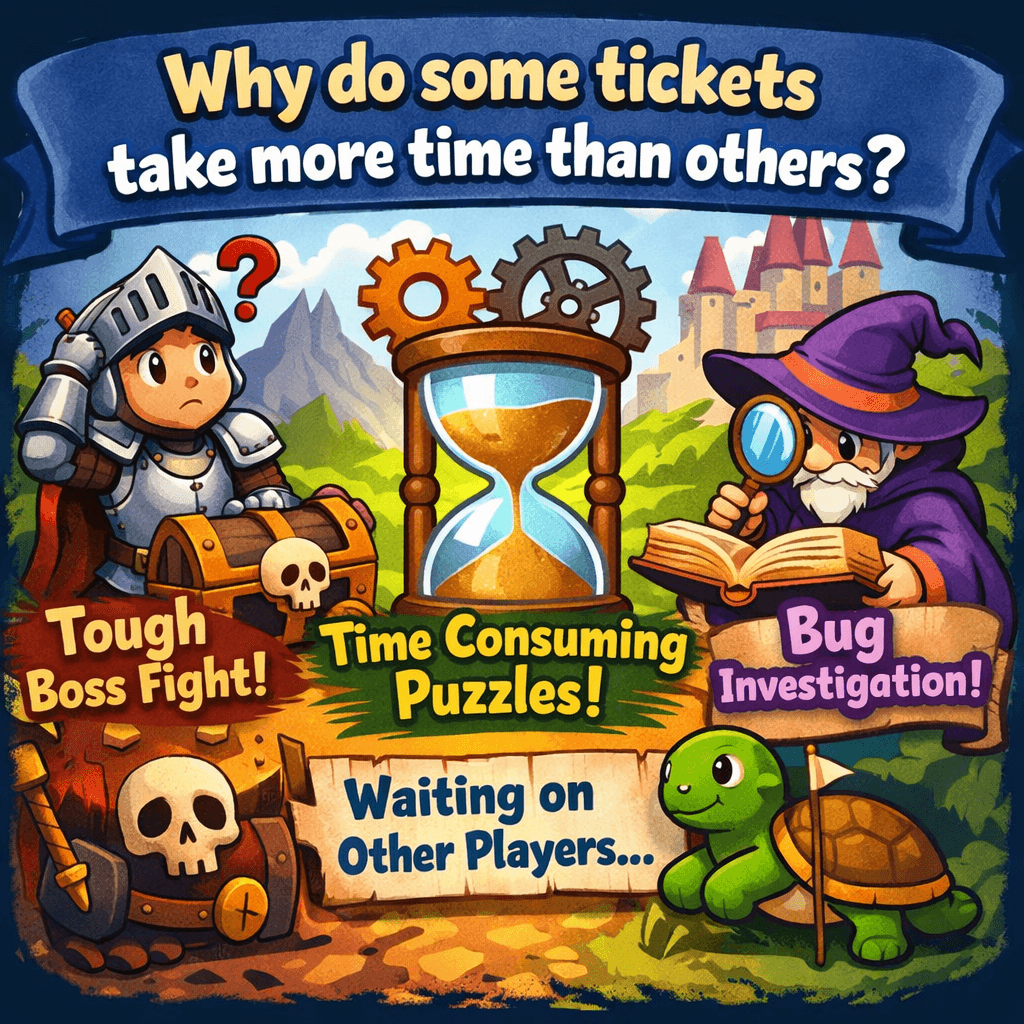
Complexity varies. Some reports require manual audits or coordination with third parties. High volumes, unclear evidence, or conflicting data can also extend review.
While silence can be stressful, longer cases sometimes mean deeper investigation rather than rejection.
Patience remains part of the system.
Can cancellations or refunds remove a reward?
Yes, and it surprises many people.
Quick definition
Reversal is the removal of credit because the qualifying action no longer satisfies advertiser conditions.
If a purchase is returned or a subscription ends before the required period, then approval may be withdrawn.
Understanding retention terms protects you from future disappointment.
How can you avoid future issues?
After going through troubleshooting once, most users adopt smarter habits. They read more carefully, take screenshots automatically, and ensure consistent device conditions.
These simple adjustments dramatically reduce disputes. Over time, success becomes predictable rather than uncertain.
Best practice list
- Read full terms.
- Enable permissions.
- Avoid VPNs.
- Complete tasks immediately.
- Save documentation.
What differences exist between offer types?
Final Words
Most instances of missing rewards on reward apps stem from timing, technical pathways, or eligibility definitions rather than permanent failures. A structured method, verify, wait, document, escalate, gives you the strongest position.
For deeper insights, evolving advertiser behaviors, and guidance on handling common reward app problems, explore additional learning resources on the CashDrill Blog.